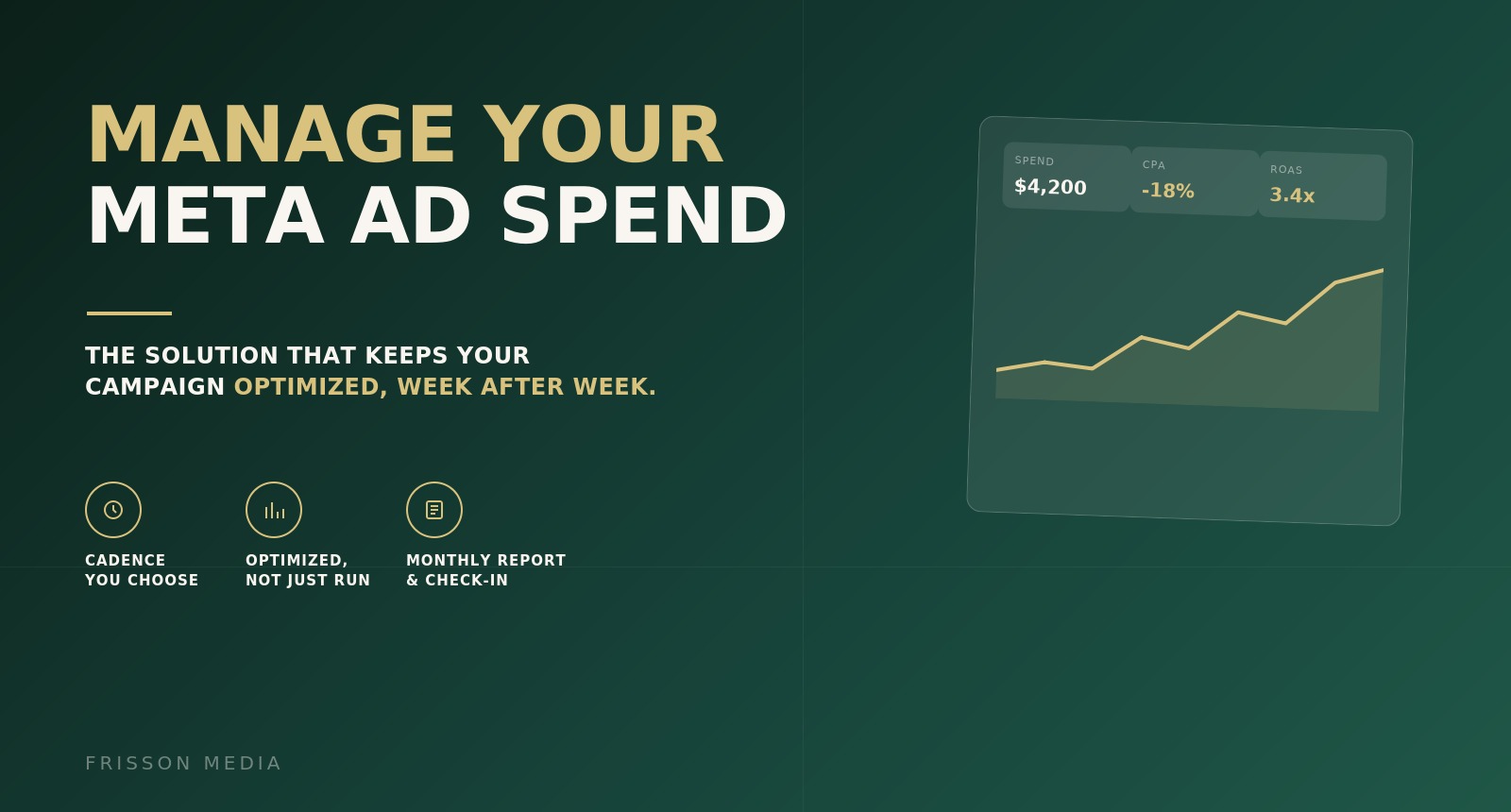
Manage Your Meta Ad Spend
Launched ads still need someone watching them. This is that person.
What you're getting
You start with a live Meta account, multiple campaigns, and a budget. You finish each month with that account actively managed — checked on a cadence you set, adjusted as performance moves, and reported back to you as one clear comparison across every campaign.
This manages spend against creative you already have — it doesn't produce new ads. When creative fatigues on any campaign, you'll hear about it by name in the report, not get surprised by declining results with no explanation.
Why it's worth it
A launched campaign left unmonitored quietly bleeds budget on what stopped working weeks ago — and that's harder to catch across multiple campaigns at once, not easier.
Optimization is a habit, not a one-time setup — bids, budgets, and audiences all drift from what worked at launch, on every campaign differently.
You shouldn't have to interpret an ads dashboard across four campaigns yourself to know if this month worked.
Handled end to end
Confirm budget & cadence
Tell us this cycle's total budget, campaign goals, and how often you want us checking in.
We set up every campaign
Structure and tracking confirmed across your account before spend goes live.
We monitor and optimize
Every campaign checked on your chosen cadence, all cycle long.
You get one clear report
A side-by-side comparison of every campaign, plus what we'd recommend next.
We check in together
Confirm next cycle's budget, cadence, and campaign mix before it starts again.
What we'll need from you
- Approved ad creative for each active campaign
- Total budget (and per-campaign split, if not even)
- Meta Ads Manager access
- Preferred check-in cadence
- One approver for the monthly check-in
What you get back
- ✓Campaign setup/adjustment across the account each cycle
- ✓Ongoing monitoring at your chosen cadence
- ✓Budget, bid, and audience optimization per campaign
- ✓Creative fatigue flagging, by campaign
- ✓Comparative reporting across all campaigns
- ✓Monthly check-in and next-cycle planning
Common questions
Does this include making new ad creative?
No — this manages spend against creative you already have. New creative is a separate request through Find Your Best-Converting Ad Angle or Turn Your Founder Into Your Ad.
Does the cadence apply per campaign or across the account?
Across the account — one fixed cadence covers all your campaigns for the cycle, rather than setting a different check-in schedule for each.
What happens if the report says one campaign's creative is fatiguing?
We'll flag it clearly by name and recommend next steps. Refreshing that campaign's creative is scoped and requested separately, so management on the rest of your account continues uninterrupted.
Can check-in cadence change if spend changes mid-month?
The cadence is fixed for the cycle you're in. Significant changes are addressed at the next monthly check-in.
Explore more
You might also want
Get 5 authentic UGC videos from creators matched to your brand
We find, lock in, and manage creators so you get 5 ready-to-use UGC videos — you just approve and ship product.

Build Your Gameplan
A research-backed marketing strategy that tells you exactly where to invest next and hands you the plans to do it.
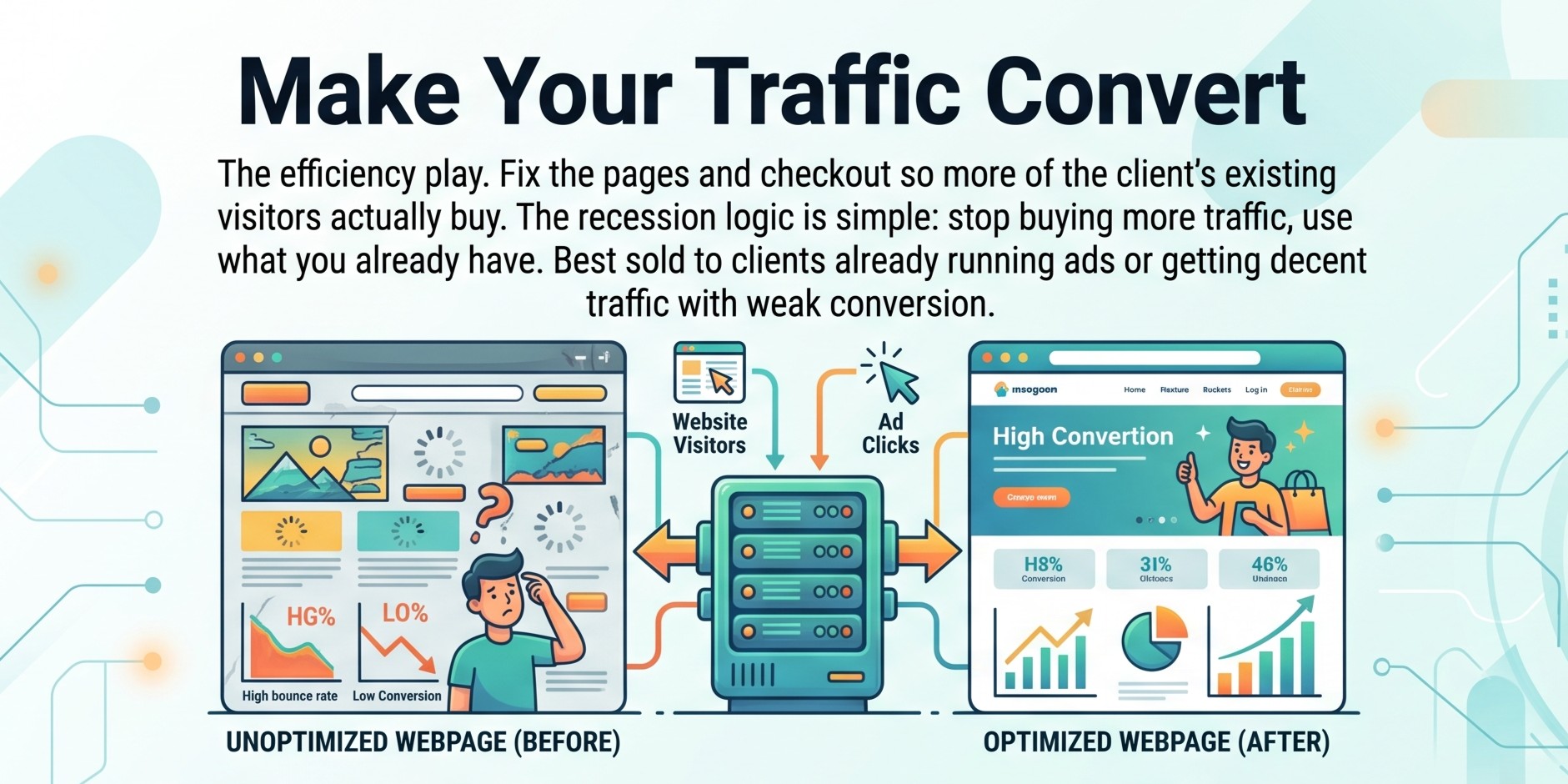
Make Your Traffic Convert
We fix the pages and checkout so more of the visitors you already have actually buy.
Like what you see?
Create your account to request this — and anything else in the catalogue.