Turn document uploads into pre-qualified sales appointments
Every upload lands on a page, gets read by AI, and is qualified and routed in seconds — so the 500th upload costs the same effort as the first.

What you're getting
An always-on lead engine, designed to your qualification rule. A gated landing page invites the right prospects to upload a document — a bill, quote, statement, invoice, whatever proves fit; the moment they submit, a third-party AI reads it, extracts the details, checks them against your rule, and routes the lead — without anyone opening an inbox.
Qualified leads land on a sales appointment list with their details pre-filled, ready to book. Everyone below the threshold is captured into a nurture list and sent a courteous "not yet" email, so tomorrow's customer is never deleted. One proven evergreen ad set feeds the whole thing continuously.
Why it's worth it
Manual triage doesn't scale. The 40th upload at 4pm and the 200th next month become a backlog, and hot leads go cold while someone reads documents by hand. This turns volume from a problem into a pipeline — the 500th upload costs the same effort as the first.
And it compounds. Every scanned document adds structured data that sharpens targeting and sales prep, and the "not yet" list becomes ready-made pipeline the day your qualification threshold moves.
Handled end to end
See & click
Your evergreen ad invites the right prospects to upload a document for a quick check.
Upload & qualify
A gated page screens out off-target traffic, captures contact details, and takes the upload.
AI reads & routes
The moment a document lands, AI extracts the details and checks them against your rule — in seconds.
Book or nurture
Qualified leads go straight to your appointment list; the rest are kept warm on a nurture list.
What we'll need from you
- Qualified leads go straight to your appointment list; the rest are kept warm on a nurture list.
- The offer / hook for the ad
- Brand assets: logo, colours, fonts
- A domain or subdomain to host the page
- Access: your ad platform, your email/newsletter tool, and where qualified leads should land
- Participation in a short brief, and sign-off on the mechanism design (incl. the AI document-reader tool + budget cap)Participation in a short brief, and sign-off on the mechanism design (incl. the AI document-reader tool + budget cap)
What you get back
- ✓A finalised brief and a signed-off mechanism design
- ✓A gated, mobile-first, on-brand landing page with document upload and field validation
- ✓An automation that reads each upload, extracts the data, and writes it to your database
- ✓Instant qualification against your threshold, with automatic routing
- ✓A sales appointment list with details pre-filled for every qualified lead
- ✓A "not yet" nurture email + newsletter list for below-threshold leads (default on)
- ✓End-to-end QA on both routing paths before anything goes live
- ✓One evergreen ad set, produced and launched inside your existing social scope
Common questions
How long until it's live?
A: 4–5 weeks from kickoff — a short scoping + design phase, then the landing page, automation, and ad set, QA-tested before launch.
Do I approve anything before you build?
Yes. You sign off the mechanism design — the page, the automation logic, the qualification rule, and the AI tool + budget cap — before any building starts. Then a final approval of the built, QA-passed assets before launch.
How much of my time does it take?
A short brief, a design sign-off, and a final approval, plus platform access. Our team builds and tests the rest.
What does the AI document reader cost?
A small per-scan fee from a third-party tool, passed through at cost. You approve the tool and set a monthly budget cap at design sign-off.
What happens to leads that don't qualify?
By default they get a courteous "not yet" email and join a nurture list, so they convert when your threshold changes. You can opt out and simply decline them.
Does this add to my monthly fee?
No — the build is a one-off cost.
Explore more
You might also want
Warm your accounts before your field team arrives
A LinkedIn outreach and engagement campaign that runs ahead of your door-to-door team — personally warming the decision-makers in each territory before your reps knock.

Build Your Gameplan
A research-backed marketing strategy that tells you exactly where to invest next and hands you the plans to do it.
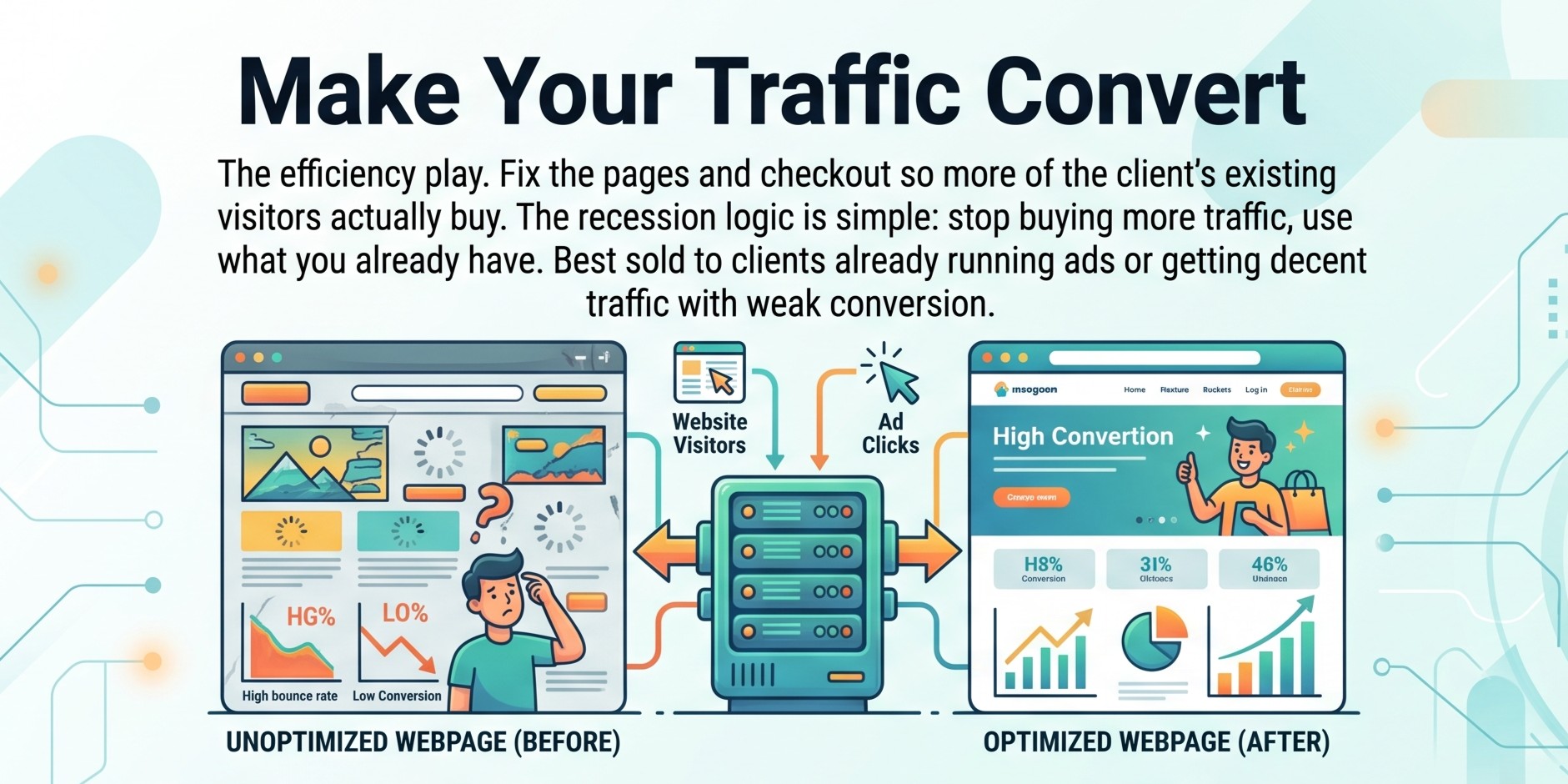
Make Your Traffic Convert
We fix the pages and checkout so more of the visitors you already have actually buy.
Like what you see?
Create your account to request this — and anything else in the catalogue.